
Appearance
Features
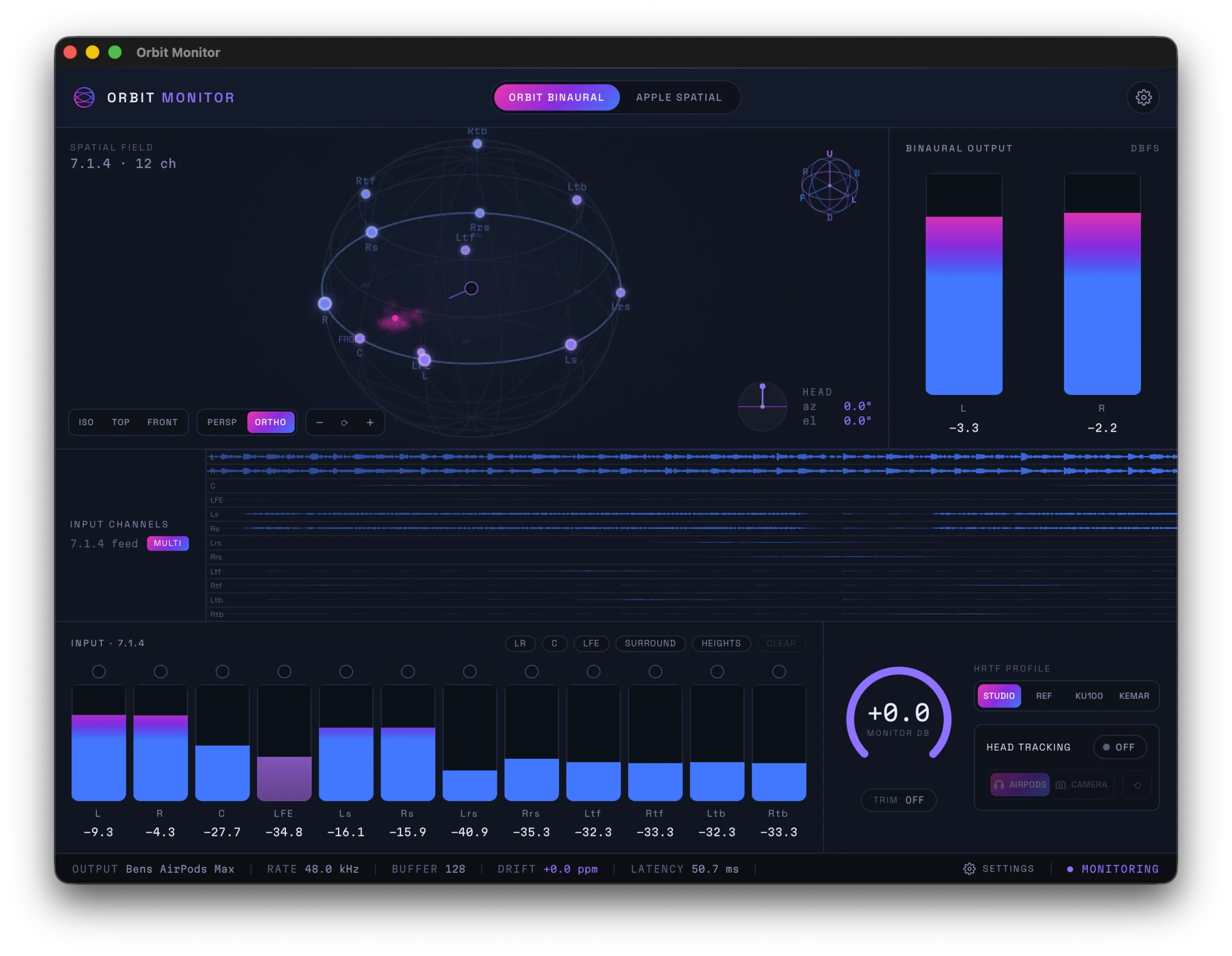
Orbit Monitor takes a 7.1.4 bed and renders it to your headphones, so you can hear an immersive mix the way it's meant to be heard — without a full speaker array. What sets it apart is the ability to A/B between two binaural engines live, in a single click, without stopping playback.
Orbit Monitor is coming soon
Orbit Monitor hasn't launched yet. The features below describe the product as planned and may change before release. See Requirements for platform and pricing, and the Overview for the big picture.
The two binaural engines
The heart of Orbit Monitor is instant, gapless switching between two renderers. Both are always ready, so you can flip between them mid-phrase and hear exactly how your mix translates.
Orbit Binaural
Orbit's own binaural engine gives you a natural, externalised render — among the best-sounding HRTFs anywhere. It's designed to place the 7.1.4 bed convincingly around and above you rather than inside your head.
You can switch the HRTF used for the render between four profiles:
- Orbit Studio — a full, room-like voicing for everyday mixing.
- Orbit Reference — a flatter, more neutral profile for critical listening.
- Neumann KU100 — the industry-standard reference dummy head.
- KEMAR — the classic measurement manikin HRTF.
Apple Spatial Audio
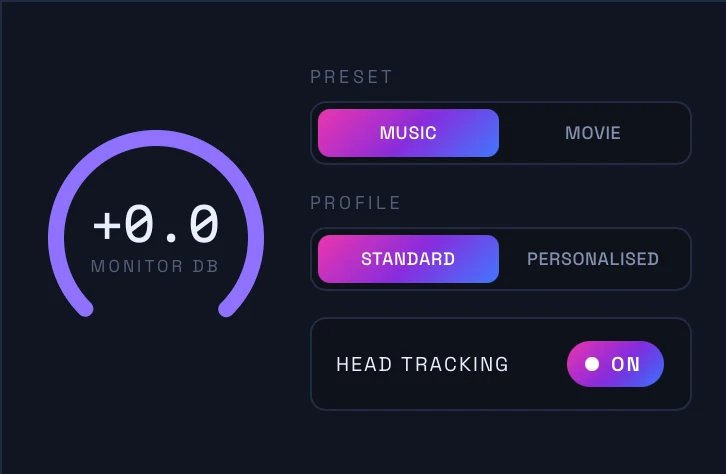
Switch to Apple's renderer to hear exactly what Apple Music listeners get on their headphones. You can monitor with the standard profile or a personalised profile, with head tracking, so you can check your mix against the real consumer playback path before you deliver.
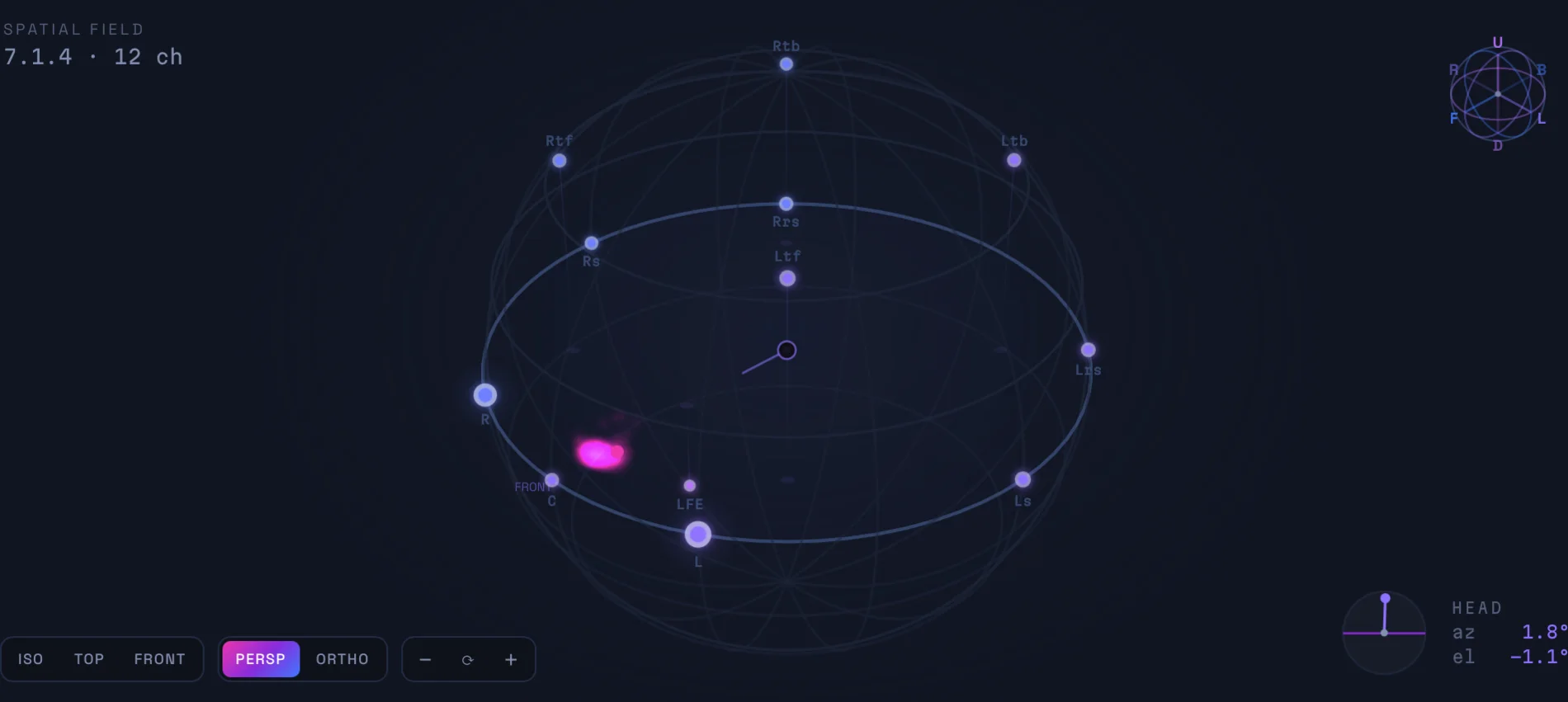
Spatial field
The spatial field is a live 3D view of your 7.1.4 bed, drawn as virtual speakers around the listener. You can orbit the view to any angle — ISO, top, front or orthographic — to see where energy is sitting in the room as playback runs.
Input & output waveforms
Orbit Monitor shows you both sides of the render at once.
- Input — per-channel waveforms for the whole 7.1.4 bed: L, R, C, LFE, the surrounds and the tops. You can see what's actually feeding each speaker position.
- Output — the binaural render itself, as a live L/R waveform, so you can watch the stereo signal your headphones receive.

Metering & group solos
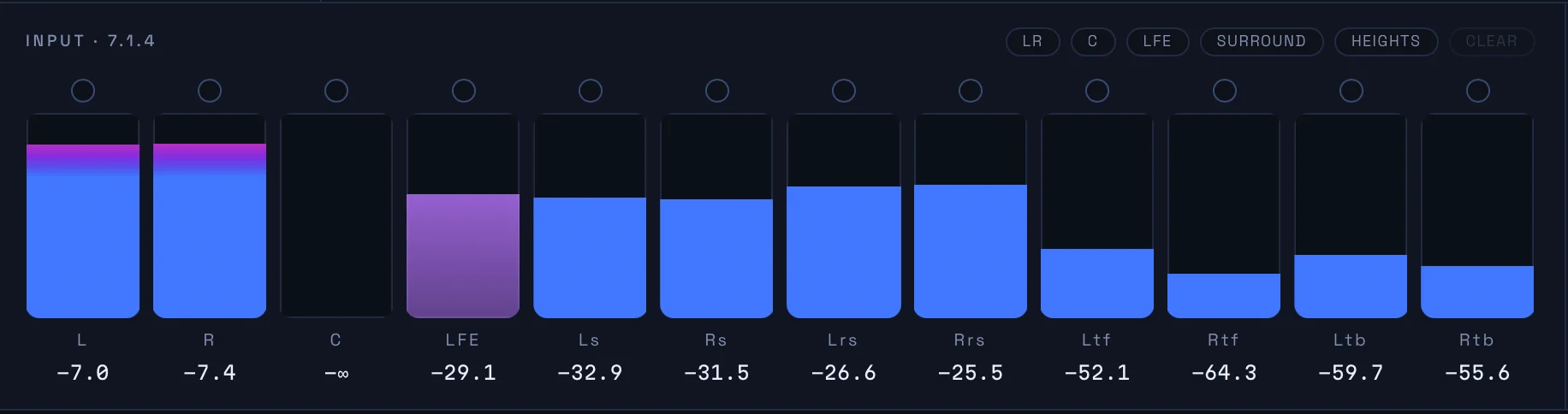
Per-channel input meters show the level on every channel of the bed. To isolate part of the mix quickly, use the one-tap group solos to solo by speaker group:
- L / R
- Centre
- LFE
- Surrounds
- Heights
This makes it easy to check, for example, whether your height content is doing what you think, or how much is riding in the LFE, without hunting through individual channels.
Head tracking
Head tracking keeps the spatial image anchored as you move, which makes the externalised render far more convincing. Orbit Monitor supports two sources:
- AirPods Pro & AirPods Max — built-in motion tracking over Bluetooth.
- Any webcam — using Apple Vision face tracking, with a live preview so you can see the track working.
You can tune the response for yaw, pitch and roll to suit your setup.
Works with any DAW
Orbit Monitor drops straight into your session as an AU, VST3 or CLAP plugin, so you can insert it on your immersive bus in Logic, Pro Tools, Ableton or Nuendo. macOS only.
Prefer to work outside the plugin host? Run the standalone app and route audio in via internal routing (for example, BlackHole) for binaural immersive monitoring of any source.
Where next
- Requirements — platform, plugin formats and pricing.
- FAQ — how Orbit Monitor differs from the flagship Orbit app.