
Appearance
Licensing
Orbit Lite is licensed to your Orbit Spatial account. Sign in, start a trial or enter a licence key, then activate the Mac you're using.
On iPhone and iPad
The iPhone and iPad app is a free download on the App Store. Sign in with your Orbit Spatial account and it uses one of your licence's device seats, or unlock it with an App Store purchase on your Apple ID, which doesn't cover the Mac app. See Orbit Lite on iPhone & iPad.
Purchasing a licence
Visit orbitspatial.io to purchase an Orbit Lite licence. Orbit Lite is a one-time purchase — no subscription required.
Activating Orbit Lite
- Open Orbit Lite.
- Sign in with Apple, continue with Google, or sign in with your email and password. New to Orbit Lite? Choose Create an account. Have a key from before accounts? Choose Enter a licence key.
- Your licence, or a free 14-day trial, is found automatically once you sign in. Nothing is activated until you say so: click Activate This Mac.
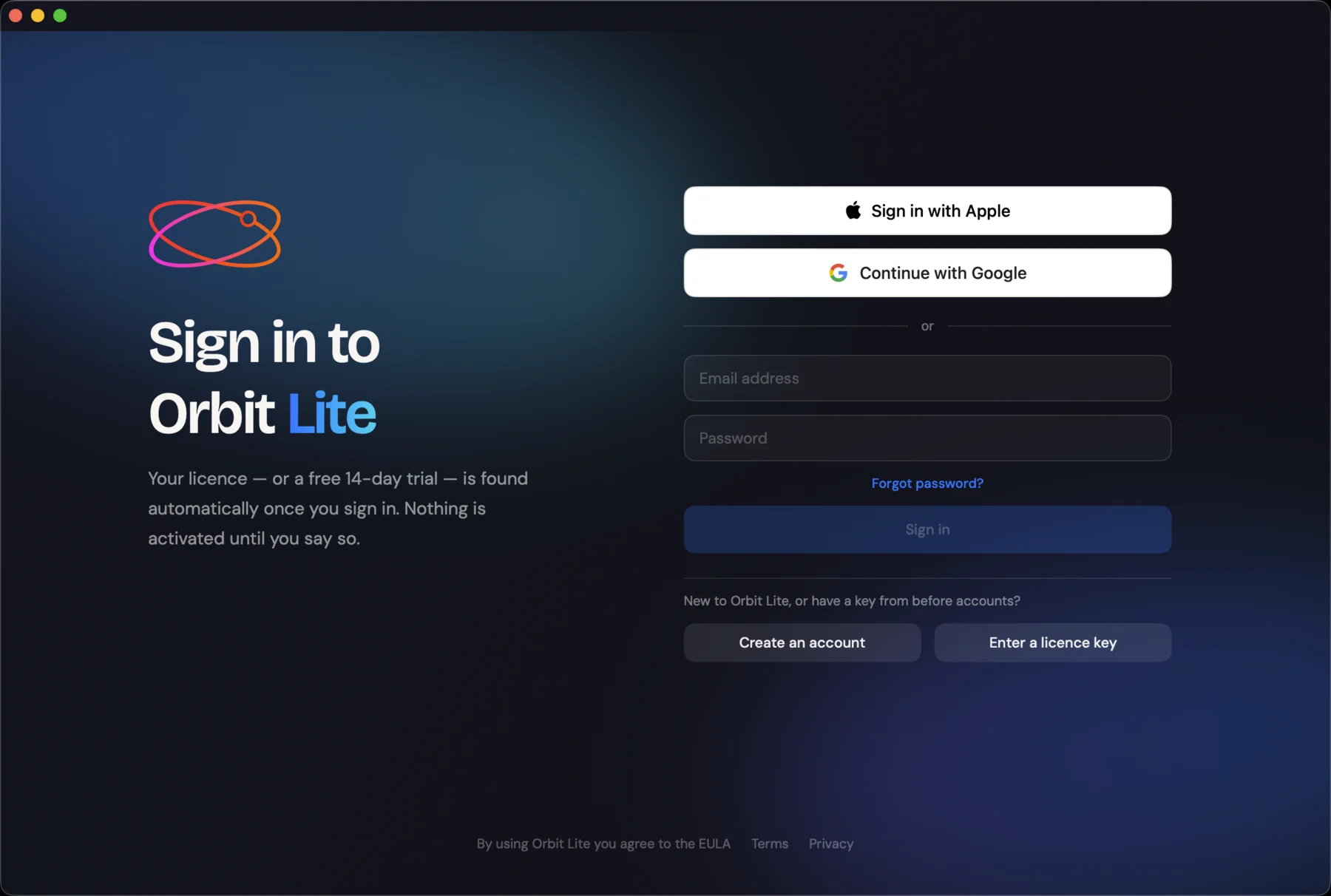
To come back to this screen later, choose Orbit Lite ▸ Manage Licence….
Moving to another Mac
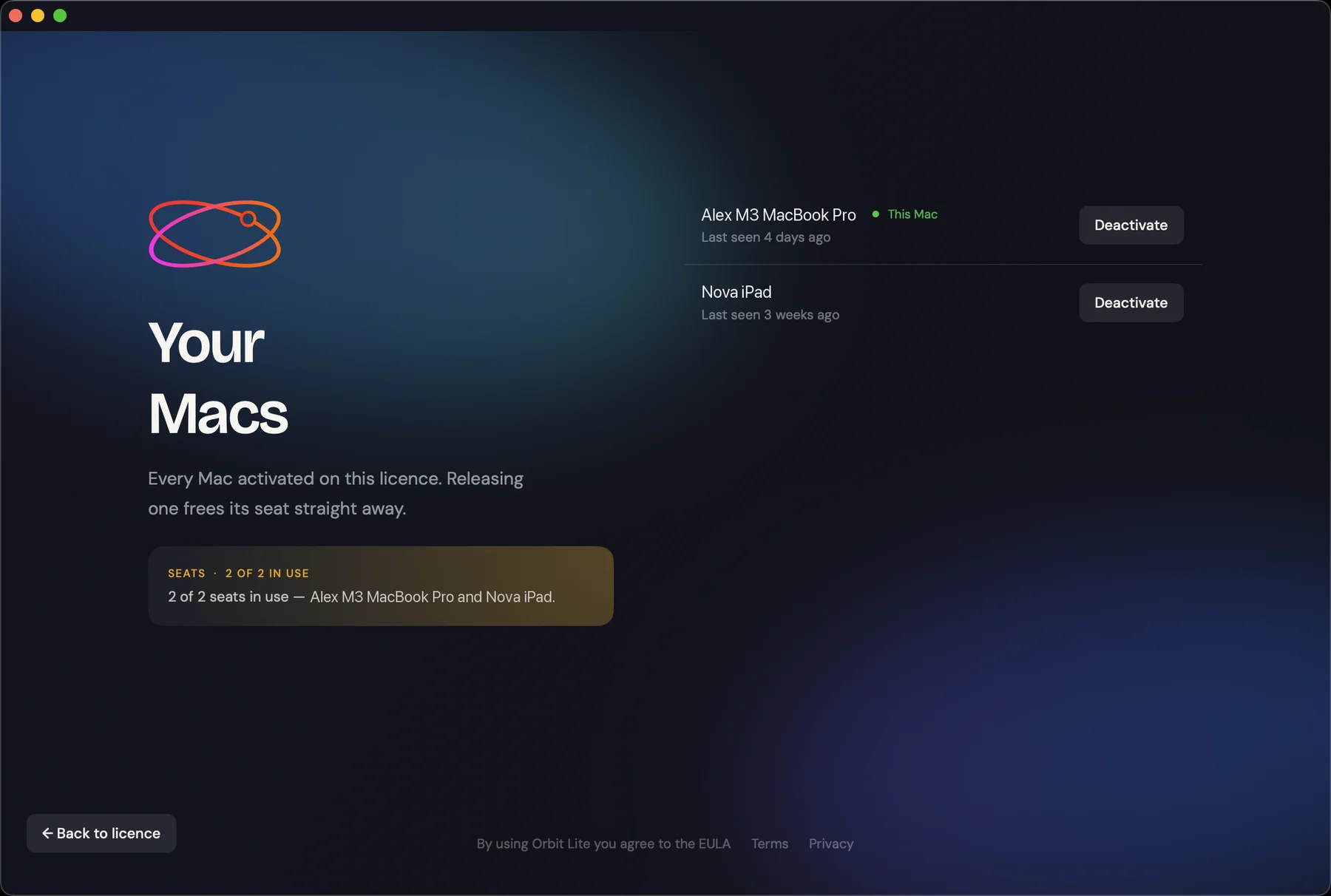
Each licence has a set number of seats. The Your Macs screen, opened from the licence screen, lists every device activated on the licence, shows how many seats are in use, and marks the one you're on as This Mac.
- Choose Orbit Lite ▸ Manage Licence…, then open Your Macs.
- Click Deactivate next to the device you no longer use. Its seat is freed straight away.
- Activate Orbit Lite on your new Mac.
Renamed in the next version
The Your Macs screen lists every device on your licence, iPads included, so the next version of Orbit Lite renames it to cover all your devices.
The licence screen can also release every Mac at once, and delete your account.
Offline use
Once activated, Orbit Lite keeps working offline for a limited time. The licence screen shows how many days are left. When you're back online, Orbit Lite refreshes your licence automatically. If the offline period runs out, connect to the internet to revalidate.
FAQ
Can I transfer my licence to a new computer?
Yes. Deactivate the old Mac on the Your Macs screen, then activate the new one.
What happens if I reinstall macOS?
Sign in again and activate the Mac. If every seat is in use, deactivate the old entry for this Mac on the Your Macs screen first, or contact support.
Do I need internet to use Orbit Lite?
You need it to sign in, start a trial, activate, and move your licence between Macs. After that you can play files offline until the offline period shown on the licence screen runs out.