
Appearance
Combining Files
Some recorders write each microphone to its own mono file. Combine opens those files as one recording. Nothing is copied or written: Aro reads your files where they are, so there's nothing to wait for.
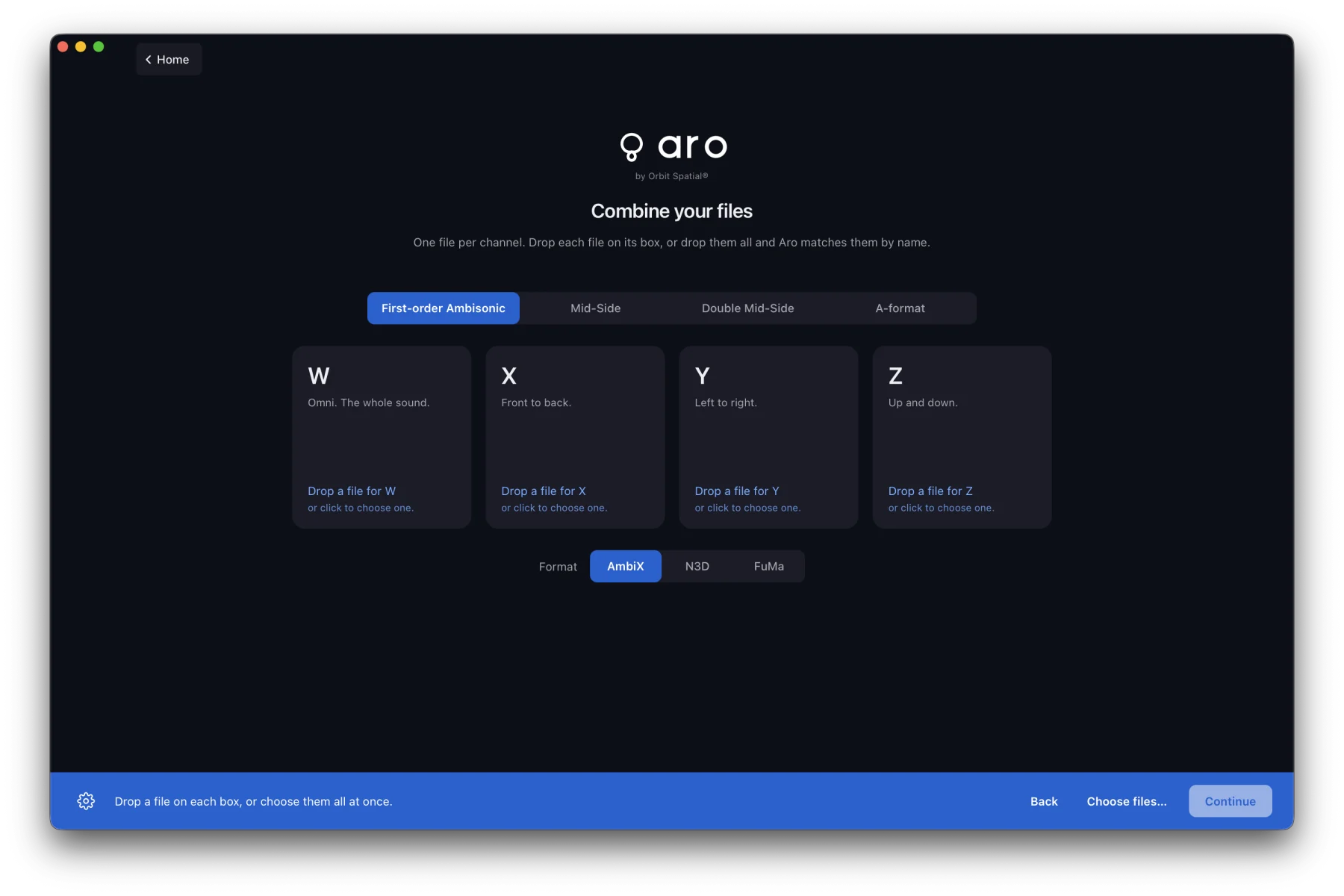
Opening Combine
- The Combine card on the welcome screen, or File ▸ Combine Files… (⇧⌘O).
- Two to four mono files arriving together get the question What are these files?, with Combine suggested when their names match a recording.
The tabs
| Tab | Boxes | Opens as |
|---|---|---|
| First-order Ambisonic | W, X, Y, Z | A first-order Ambisonic file, on the normal views |
| Mid-Side | Mid, Side | A Mid-Side recording |
| Double Mid-Side | Front mid, Rear mid, Side | A Double Mid-Side recording |
| A-format | FLU, FRD, BLD, BRU | An A-format recording |
Mid-Side, Double Mid-Side and A-format open on the converter stage. See Mid-Side & A-format.
Filling the boxes
Drop files on the Combine screen and each one goes to the box its name ends in: Take07_W.wav goes to W, Take07_rear_mid.wav to Rear mid. Drop a file on one box to put it there.
Aro never guesses. Take07_W_old.wav isn't placed, two files naming the same box place neither, and a name that fits no box is listed for you.
Every file must be mono, at the same sample rate and the same length. Aro never converts, pads or trims them. Bit depths may differ.
For the first-order tab, Format (AmbiX, N3D or FuMa) is the files' scaling. The boxes already fix the channel order.
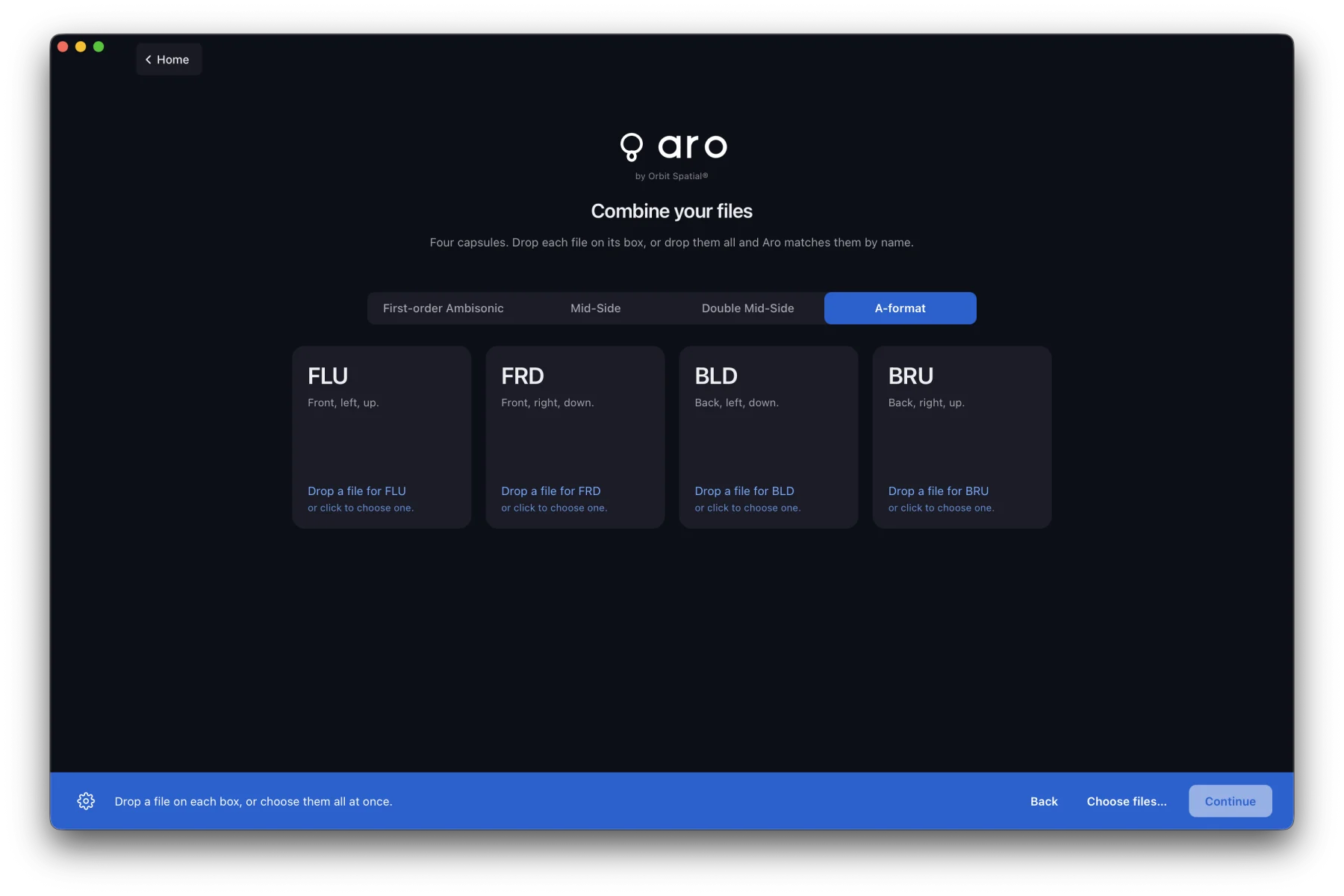
Fixing a wrong box
Once the recording is open, the Sources row above the stage shows the file behind each role. Click a role to choose another file or channel, drop a file on it, or use Swap (two roles) or Shift (three or four) to move every source along by one. Playback position and settings are kept.
Saving a combined file
Save combined file… (⇧⌘S) in the top bar writes the recording's roles into one multichannel WAV, only when you ask. A first-order set is written in its format's channel order. For Mid-Side, Double Mid-Side and A-format, the file is the unconverted recording; use Convert for a stereo, speaker or AmbiX file.
Press Back to return to where you opened Combine. Your boxes are kept for the session.