
Appearance
Data & Privacy
Aro is a local tool. Your audio stays on your Mac: Aro reads the files you open and writes the files you decode, and never uploads either.
Aro is developed by South Loop Studios. Read the full privacy policy.
On your Mac
- Files are read, decoded and converted entirely on your Mac.
- Aro keeps a settings file with your preferences, mixers and speaker routing.
- Aro writes its warnings and errors to a log at
~/Library/Logs/Aro/aro.log, which you can send to support if something goes wrong. It names files by name only, never by their full path. - Import from Orbit reads your Orbit HRTF setting once. It never changes Orbit's settings.
Your account
Signing in and activating contacts the Orbit Spatial account and licensing service with your account details and a basic device identifier. Never your audio or your file names.
Usage data
Preferences ▸ Privacy & updates ▸ Share usage data is off unless you turn it on. If you share it, Aro sends South Loop Studios a short note of what you use, through our own service. It's never sold or shared.
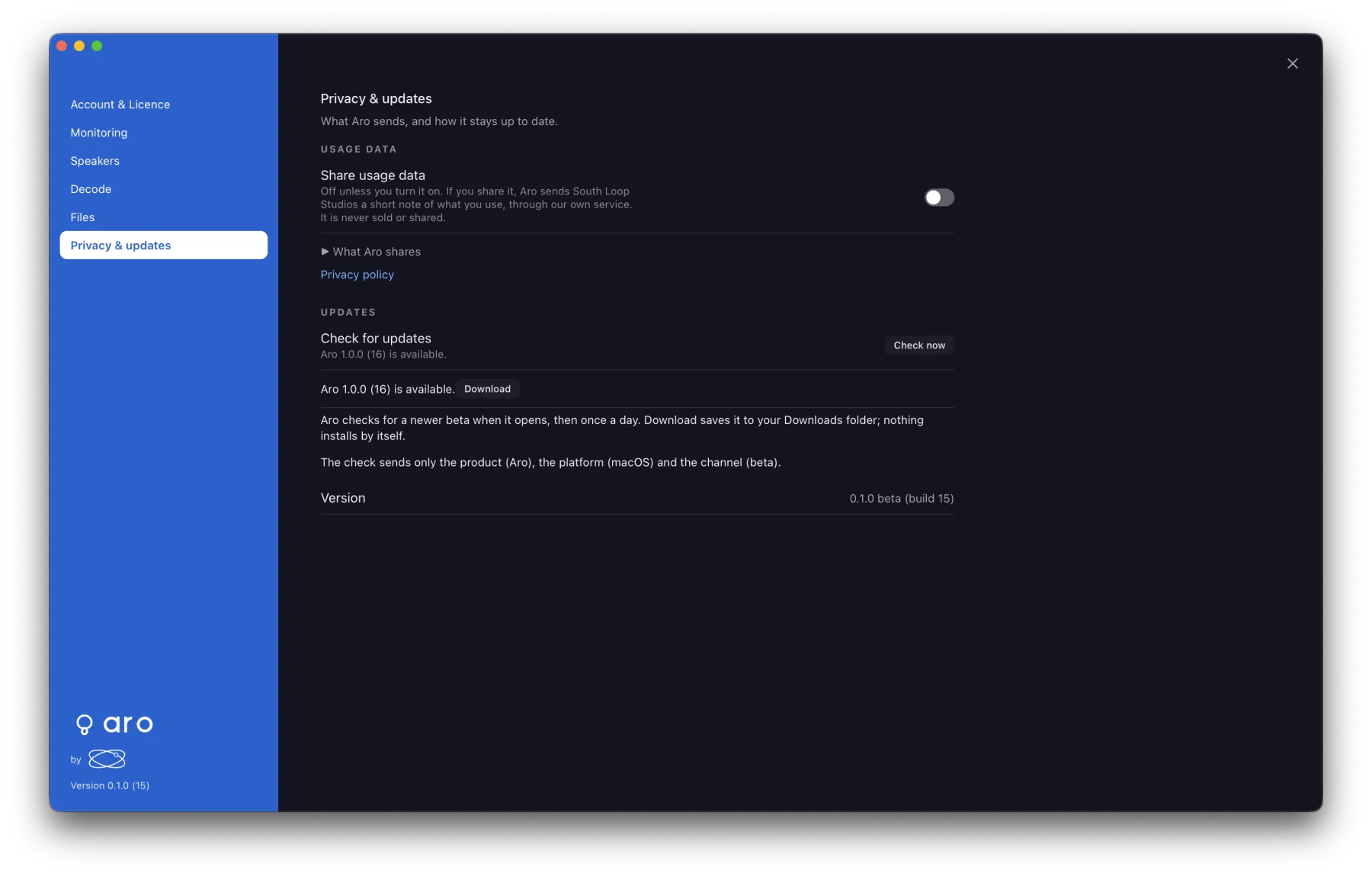
What Aro shares in that pane lists exactly what is sent. It never includes your audio, file or folder names, where your files are, device names, the names of your own layouts, or anything you type. Turning it off deletes anything not yet sent. The switch can only be turned on once Aro is licensed; nothing is collected before then.
Update checks
The update check sends the product, the platform and the channel, nothing else. See Updates.