
Appearance
Sessions
A session is a file called <name>.aro. It keeps a recording with everything you've done to it: orientation, Processing, mixer, outputs, decode settings and the analysis. Open it later and it's all as you left it.
A batch and a combined recording can be sessions too.
Saving
- File ▸ Save (⌘S) saves in place.
- File ▸ Save As… saves a copy under another name. It has no shortcut, because ⇧⌘S belongs to Save Combined File.
The first save, and every Save As, asks one thing: what to do with the recordings.
- Reference originals is the default. The session points at your files where they are and stays a few KB.
- Copy into session puts a copy of each recording inside the session, so it's all in one place. It's bigger, and the panel shows the size of each choice.
In Finder a session looks like one document with its own icon. It's really a folder, with the settings in it and the copies when you chose to copy.
Aro doesn't keep the playback position, which tab is open or the window size.
Opening
Double-click a session in Finder, use File ▸ Open…, File ▸ Open Recent, or choose it from Recent on Home. Drag it onto the window and it opens too.
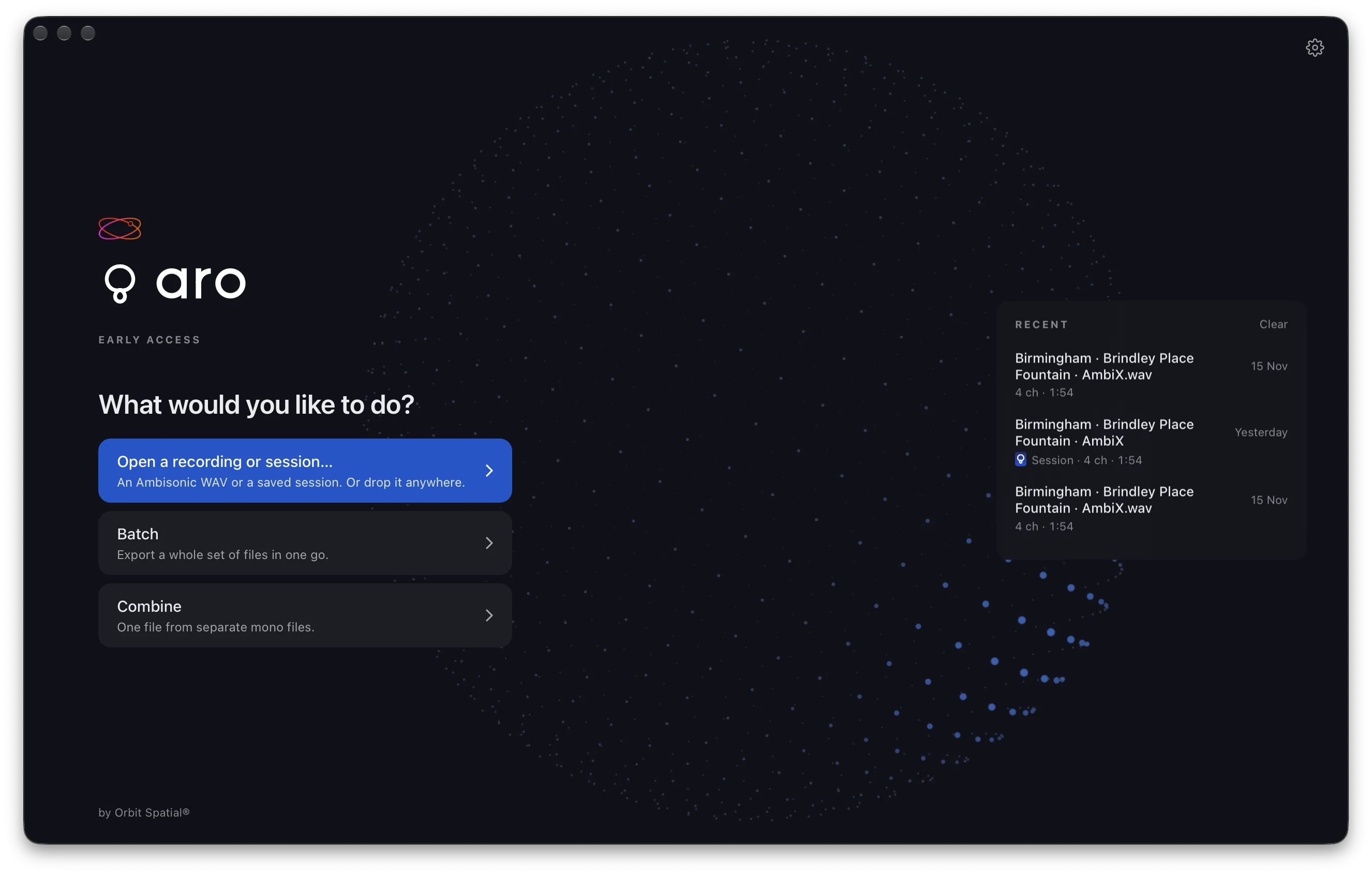
Recent says which kind each one is: for example "Session · 3rd order · 16 ch · 1:14", "Batch session · 6 recordings" or "Combined session · 4 recordings".
Save changes?
Aro asks Save changes to "name"? before it would lose work: going Home, ⌘W, opening another file or session, and quitting. Your choices are Save, Don't Save or Cancel. A recording you haven't changed asks nothing, and a setting you changed and changed back doesn't count as a change.
If a recording has moved
If a session's recording isn't where it was, Aro first tries to find it on the same drive. If it can't, it says Where is this recording? and shows where it used to be.
- Find it… opens a chooser. If you pick the same recording, Aro takes it at once. If you pick a different file, it asks you first. The other missing recordings are looked for beside the one you found.
- Back goes home and changes nothing.
A recording found somewhere else counts as a change, so your next save records the new place.
If the file is there but different, the session opens with its settings and says once: "This recording has changed since the session was saved." The analysis isn't reused in that case.
Batch and combined sessions
A batch session keeps the files, the settings for All files and each row's own settings, and the destination. It doesn't keep what a run did. A combined session keeps which file sits in each role and every setting: width, trims and placement.
A session saved by a newer Aro won't open in an older one. It says "This session was saved by a newer Aro. Update Aro to open it."