
Appearance
Analyse
Analyse listens to the whole recording once and tells you what kinds of sound are in it and where they sit around you. It's the first tool on the Processing tab, and it's the only one that changes nothing.
The listening is done by on-device sound recognition, using Apple's SoundAnalysis. It runs on your Mac. Nothing leaves it, and your audio is never sent anywhere.
It suggests. You decide.
Sound recognition can be wrong, and nothing in Aro changes because of it alone. It only says what it heard and where. Balance and Tame are Aro's own measurement and processing, and you can overrule every setting.
Running it
Open Processing ▸ Analyse and press Analyse. It reads the recording once, with a progress bar, the time left and a Cancel button. If it can't start yet it says Waiting for playback or an export.
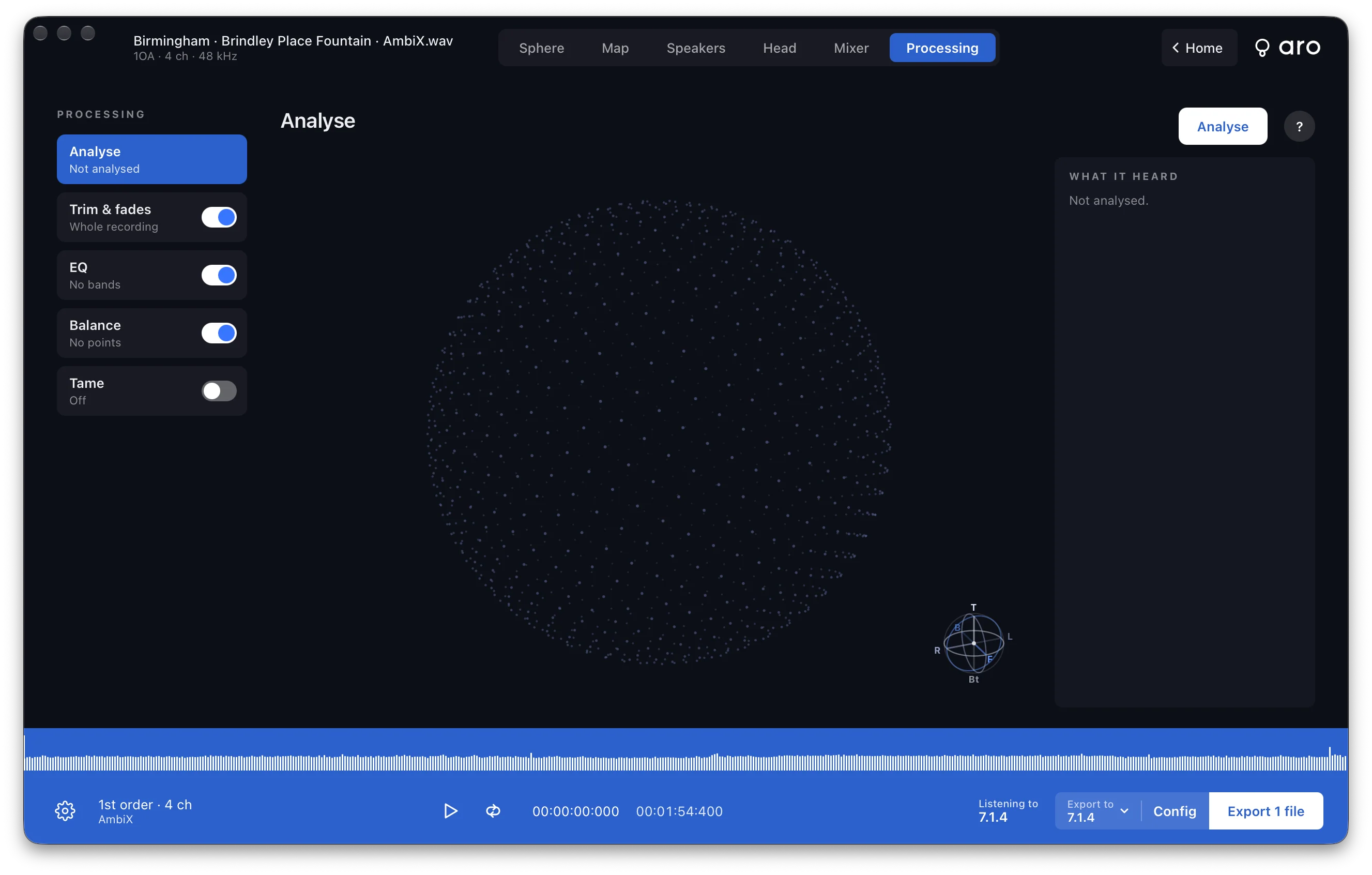
While it runs, the directions it's listening in pulse, and the sphere fills in with what's been heard so far. When it's done, the button becomes Analyse again.
You only need to run it once. Balance in Auto and Tame's Auto both use it, so pressing either of those with no analysis starts one for you. They then update at once, with no second pass.
What you see
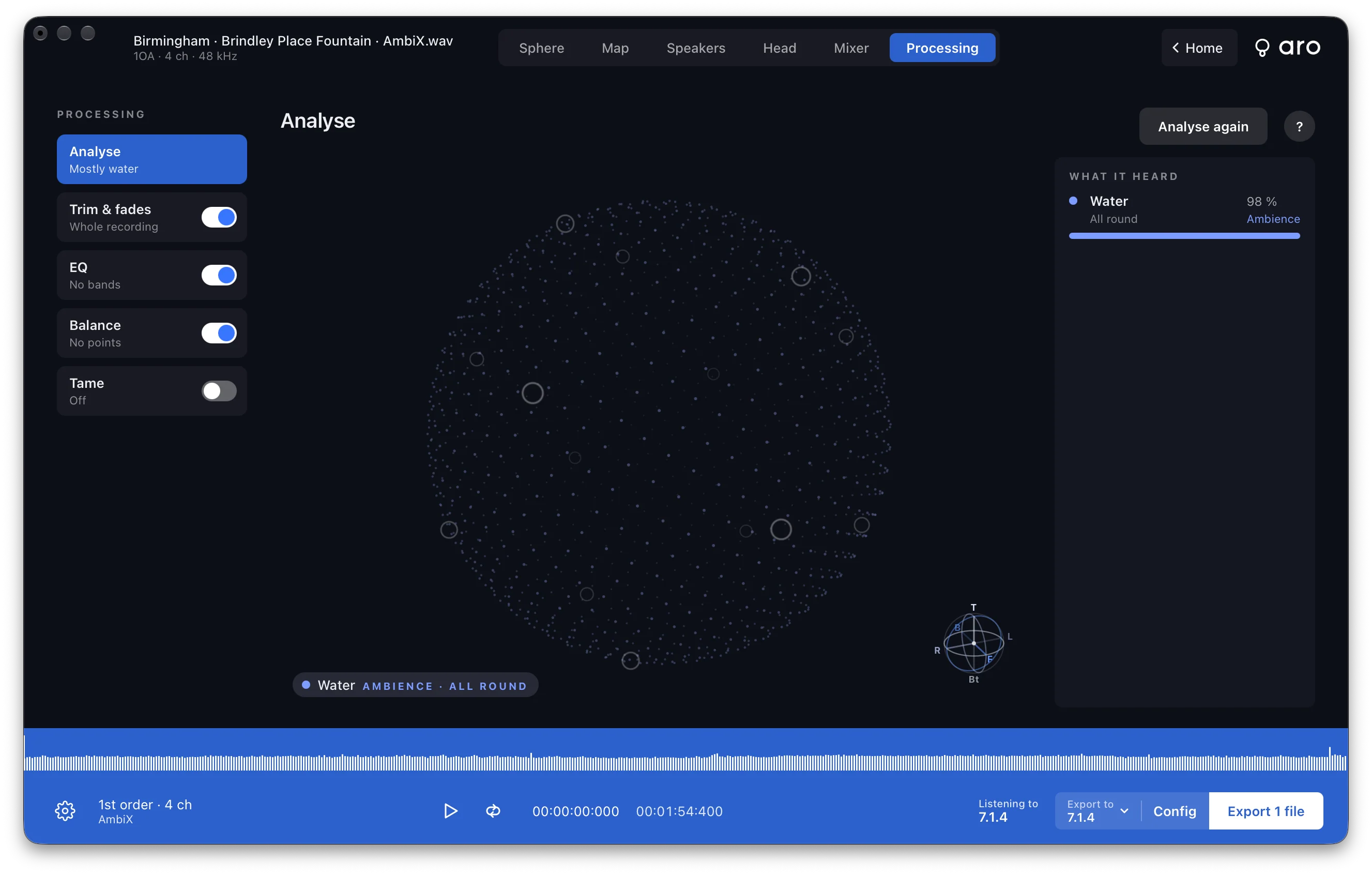
The sphere sits around you, with the front at the front. Drag it to turn it, or use the arrow keys. Double-click to put it back. Each kind of sound Aro heard is named where it was heard. A lit region is a place where that kind of sound was heard with confidence and held.
What it heard lists each one with:
- how much of the recording it makes up, as a percentage
- where it was: Front, Left, Behind, above or below, or All round
- Subject or Ambience
- a small bar showing when in the recording it was there
A voice or music is a Subject. Everything else is Ambience. The difference matters to Balance in Auto, which levels the ambience and leaves a subject alone. If Aro isn't sure, the list says Not sure.
The Processing list shows a one-line summary of the result under Analyse, for example "Mostly music."
First order
A first-order recording only has so much detail. A sound's place is broad, a side of the sphere rather than a spot, and Aro says so. Auto doesn't leave a subject alone there.
Direction over time, before and after
Once a Processing tool moves where the sound seems to come from, the Direction over time strip on the Head view draws two lines instead of one. Before is in blue and After is in dark yellow. Azimuth is solid and elevation is dashed. What you hear, and the readout, is the After.
Saving it
If you've analysed a recording when you save a session, the result goes in with it. Reopen the session and Analyse is already done, with no new scan. If the recording has changed since, the session opens without the analysis and you run it again.