
Appearance
OSLS — Orbit Speaker Layout System
OSLS is a fully customisable speaker output system, added in Orbit 1.5.2. Describe any speaker layout and Orbit will output to it — up to 64 channels. That covers everything from a 10.1.4 room to 22.2, Auro configurations, or a 30-speaker dome. Custom output layouts work in both Orbit and Orbit Pro.
Screenshot: the Speaker Layout & Routing window — custom layouts, .osls import, routing presets and the output routing matrix
The problem it solves
Speaker-layout tables normally get hardcoded and then duplicated across the app, the audio engine and the UI. Over time those copies drift: they disagree on channel order, use different labels, and every new format needs a code change in several places at once.
OSLS replaces all of that with one human-readable file per layout (.osls) plus one small SDK. A rig is described once — where each speaker is, its stable identity, and its reference frame — and that single description becomes the source of truth across native, browser, Windows and mobile. Adding a format becomes adding a file, not editing code.
Automatic format mapping
Once a layout is selected, Orbit maps incoming files onto it automatically, following each format's own specification:
- Channel elements (IAMF) and beds / direct speaker sources (ADM) output to their direct speakers. Where a direct speaker isn't present in your layout, they route to the nearest neighbours using the configured panning method.
- Scene-based and object-based elements and sources make full use of every speaker in the layout, not just the channels a legacy bed would have used.
Per-spec channel orders (ADM, IAMF, MPEG-H) aren't restated in each layout file. The SDK resolves them from a shared profiles registry by matching each speaker's identity, so the same .osls file behaves correctly regardless of which format you feed it.
Building a custom layout
An .osls file describes the rig and nothing more:
- Position — each speaker's location, given as Cartesian, polar, or both.
- Identity — a stable ITU-R BS.2051 SP-label (for example
M+030orLFE1) so the SDK can recognise the speaker across specs. - Reference frame — the coordinate frame the positions are expressed in.
- LFE handling for the layout.
Here's the blessed 7.1.4 layout as an .osls file. Each speaker carries a stable identity (sp), Cartesian coordinates, and — for this layout — polar angles too, with the validator checking the two agree:
yaml
osls: 1
id: "7.1.4"
name: "7.1.4"
description: "7.1.4 home immersive layout (7 ear-level + LFE + 4 overhead). ITU-R BS.2051 System J. Same rig, ADM and IAMF orderings. Carries both Cartesian and polar positions (validator-checked equal)."
vendor: io.orbitspatial
tags: [home, immersive]
frame: egocentric
speakers:
  - { id: L, label: L, sp: M+030, x: -0.5, y: 0.866, z: 0.0, az: 30, el: 0 }
  - { id: R, label: R, sp: M-030, x: 0.5, y: 0.866, z: 0.0, az: -30, el: 0 }
  - { id: C, label: C, sp: M+000, x: 0.0, y: 1.0, z: 0.0, az: 0, el: 0 }
  - { id: LFE, label: LFE, sp: LFE1, x: 0.0, y: 1.0, z: -0.5, lfe: true }
  - { id: Lss, label: Lss, sp: M+090, x: -1.0, y: 0.0, z: 0.0, az: 90, el: 0, aliases: [Ls] }
  - { id: Rss, label: Rss, sp: M-090, x: 1.0, y: 0.0, z: 0.0, az: -90, el: 0, aliases: [Rs] }
  - { id: Lrs, label: Lrs, sp: M+135, x: -0.707, y: -0.707, z: 0.0, az: 135, el: 0, aliases: [Lsr] }
  - { id: Rrs, label: Rrs, sp: M-135, x: 0.707, y: -0.707, z: 0.0, az: -135, el: 0, aliases: [Rsr] }
  - { id: Ltf, label: Ltf, sp: U+045, x: -0.5, y: 0.5, z: 0.707, az: 45, el: 45 }
  - { id: Rtf, label: Rtf, sp: U-045, x: 0.5, y: 0.5, z: 0.707, az: -45, el: 45 }
  - { id: Ltb, label: Ltb, sp: U+135, x: -0.5, y: -0.5, z: 0.707, az: 135, el: 45, aliases: [Ltr] }
  - { id: Rtb, label: Rtb, sp: U-135, x: 0.5, y: -0.5, z: 0.707, az: -135, el: 45, aliases: [Rtr] }
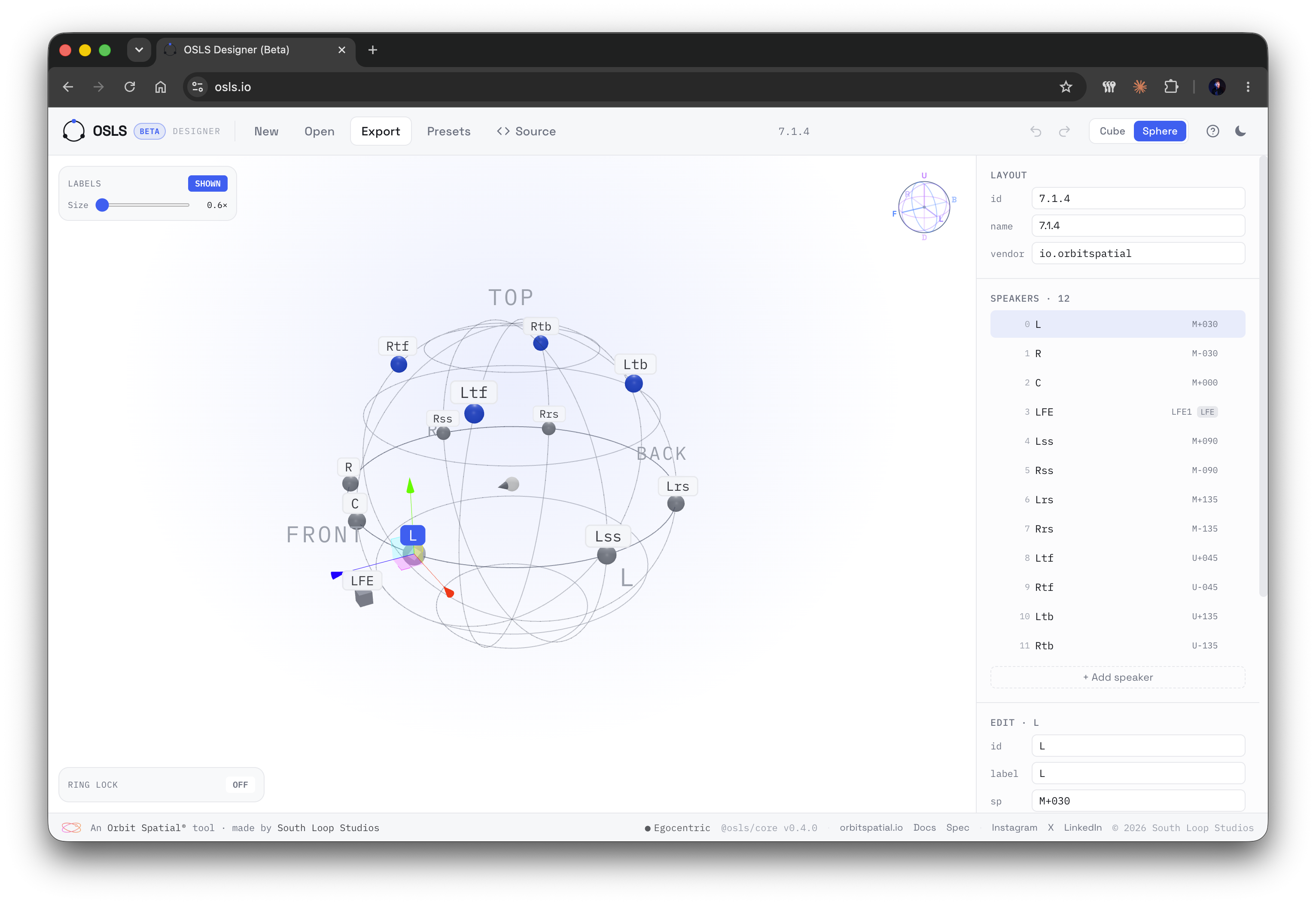
Design a layout in your browser
The 3D layout designer at osls.io lets you build, customise and validate a layout visually, then export the .osls file to import into Orbit.
What OSLS is not
OSLS describes the rig — it does not render it
OSLS is deliberately narrow. It covers geometry, identity, per-spec ordering and LFE, then stops.
- It is not a renderer — down-mix, panning and HRTF maths stay in the Orbit engine.
- It is not a patch map — which physical output each channel actually hits is the app's job. See Output routing.
Open source
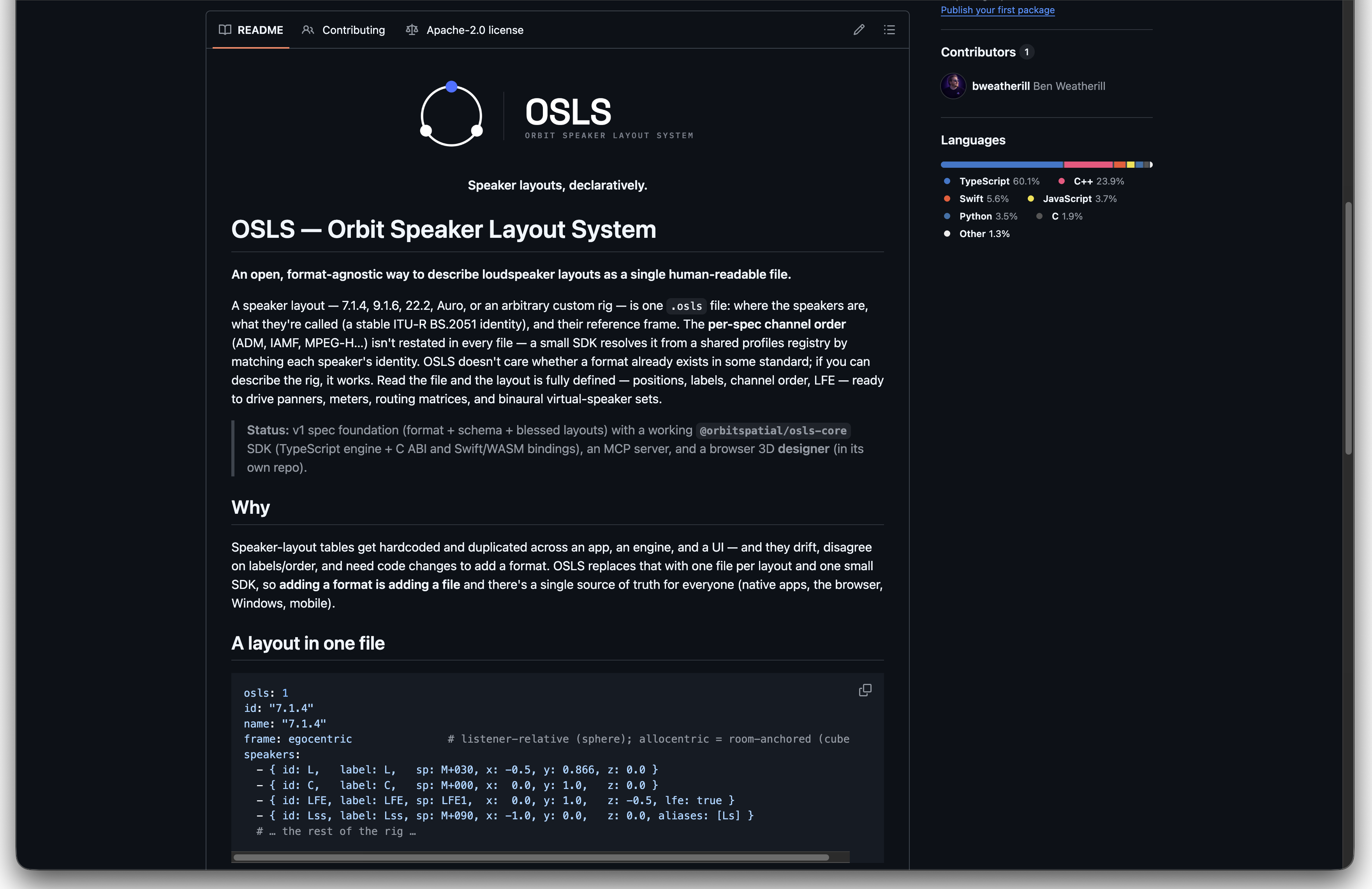
OSLS is fully open source under the Apache 2.0 licence — permissive, with an explicit patent grant. The full specification, JSON Schema, blessed layouts and reference SDKs (TypeScript, a C ABI, Swift and WASM) are on GitHub at github.com/South-Loop-Studios/osls.
Related
- Monitor view — per-speaker solo, mute and custom groups (Orbit Pro).
- Virtual Studio configuration — set virtual speaker positions for binaural rendering.
- Output routing — map channels to your physical device outputs.
- ADM to IAMF exporting — export QC'd masters to IAMF.