
Appearance
Graphics, Images and Shapes
Pro
Graphics, Images and Shapes is an Orbit Pro feature.
The Graphics tab lets you add images and solid colour blocks to your video timeline.
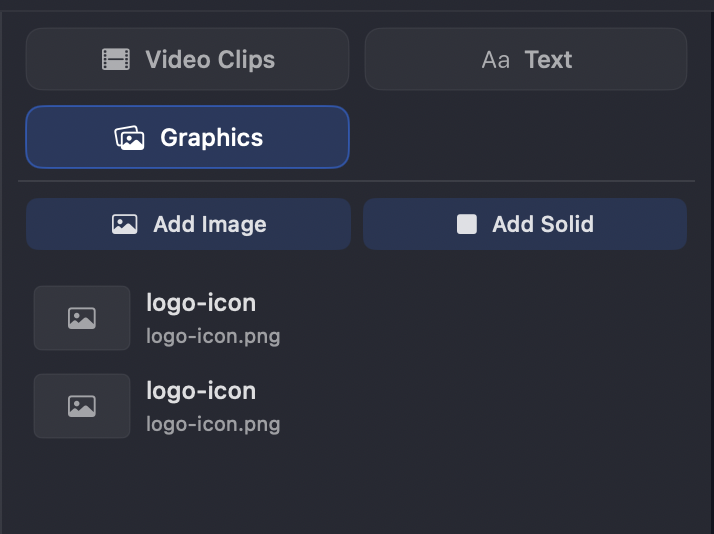
- Add Image — import an image file. Imported images appear in the list below.
- Add Solid — add a solid colour block.
Supported image formats
Orbit imports images through macOS's built-in image support, so it accepts a wide range of formats.
| Format | Notes |
|---|---|
| PNG, JPEG, TIFF, BMP, GIF | The everyday set. Transparency (PNG / TIFF) is preserved. |
| HEIC / HEIF | Supported natively. |
| WebP | macOS 11 and later. |
| AVIF | macOS 13 and later. |
| PSD | Flattened composite only — layers aren't read. |
| Camera RAW (CR2 / CR3, NEF, ARW, DNG…) | Decoded through the system RAW pipeline. |
| JPEG-2000, ICO, and others | Anything else macOS can decode as an image. |
Transform, crop and mask
Images can be transformed, cropped and masked using the same controls as video and text — see Transform, Crop & Masking. Here's an example:
Things to know
- Bin and timeline are linked (for now). Unlike video and text clips, there's currently no way to drag an image from the bin onto the timeline — and an image's bin entry and its timeline clip are the same thing, so deleting it from the timeline also removes it from the bin. This is an old video quirk we're removing to bring images in line with video and text.
- Auto-import. Images are also imported automatically when added to a session. This behaviour is being removed in the next version of Orbit.
- First frame only. Animated GIFs and multi-image files render as a single static frame — there's no animation.
- Aspect-fit, never cropped. Images are scaled to fit the canvas and centred, with transparent (letterboxed) margins. Orbit never crops or stretches them.
- No unsupported-image warning (yet). As with video, an image that can't be decoded fails silently — the layer just renders blank rather than showing an error. If an image doesn't appear, it's almost certainly a format macOS can't decode; convert it to PNG or JPEG and re-import. Failure detection is coming in the next version of Orbit.