
Appearance
Object Inspection
Pro
Object Inspection is an Orbit Pro feature.
Object inspection in Orbit is unlike anything else. Drill into individual objects, beds and scene-based elements — examine their automation, position trajectories and level envelopes in detail, right down to the exact path an object takes through 3D space.
Inspection works for all object-based content Orbit supports — ADM, IAMF, and any object-based format added in the future.
Automation in the Timeline
The standard way to view an object's automation is in the Timeline. Go to an object track and use the automation-lane arrow to expand its automation.
This shows X, Y, Z, Gain and Width (Size) — or polar coordinates if the source is EBU ADM or IAMF.

Inspect view
You can also inspect objects, beds and scene-based elements as a single waveform using Inspect view. Click the inspect button (tooltip Open detail view) on an object in the Inspect sidebar:
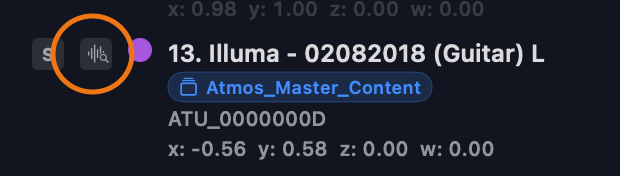
This opens that element in the Timeline's Inspect mode, showing its waveform above its position automation (X L/R, Y F/B, Z Height — or polar coordinates if the source is in polar). The button doesn't change page, so if you're on the Overview, switch to the Timeline page to see it:
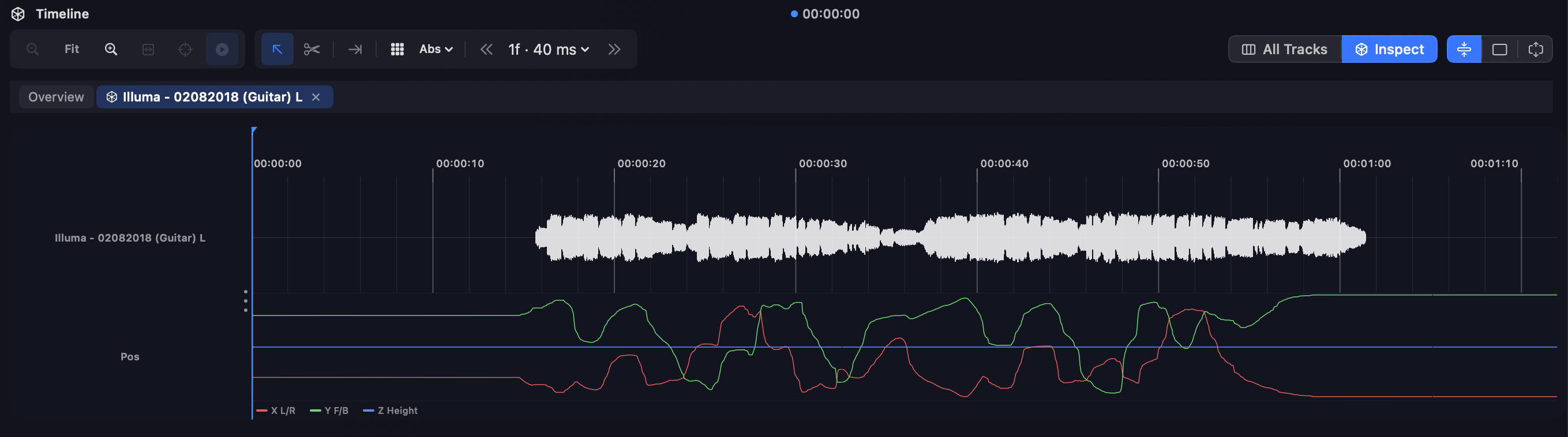
Inspecting several elements at once
You can have many elements in inspection at the same time. As you add an object (or bed / scene), it fills the inspect list at the top of the Timeline:

Switch between inspected items by clicking their cards in the inspect bar, or remove one by clicking its ×.
3D trajectory in the Scene
But there's more. Have you ever wanted to see the exact trajectory of your object in 3D space? You can — in Orbit Pro.
When an object is in Inspect mode, its trajectory is drawn in the 3D Scene, letting you see the automation play out in three dimensions.
TIP
Combine Inspect view with the 3D trajectory: read the exact X/Y/Z values from the automation while watching the path they trace in the Scene — ideal for confirming an object moves the way its metadata claims.