
Appearance
Diagnostics Preferences
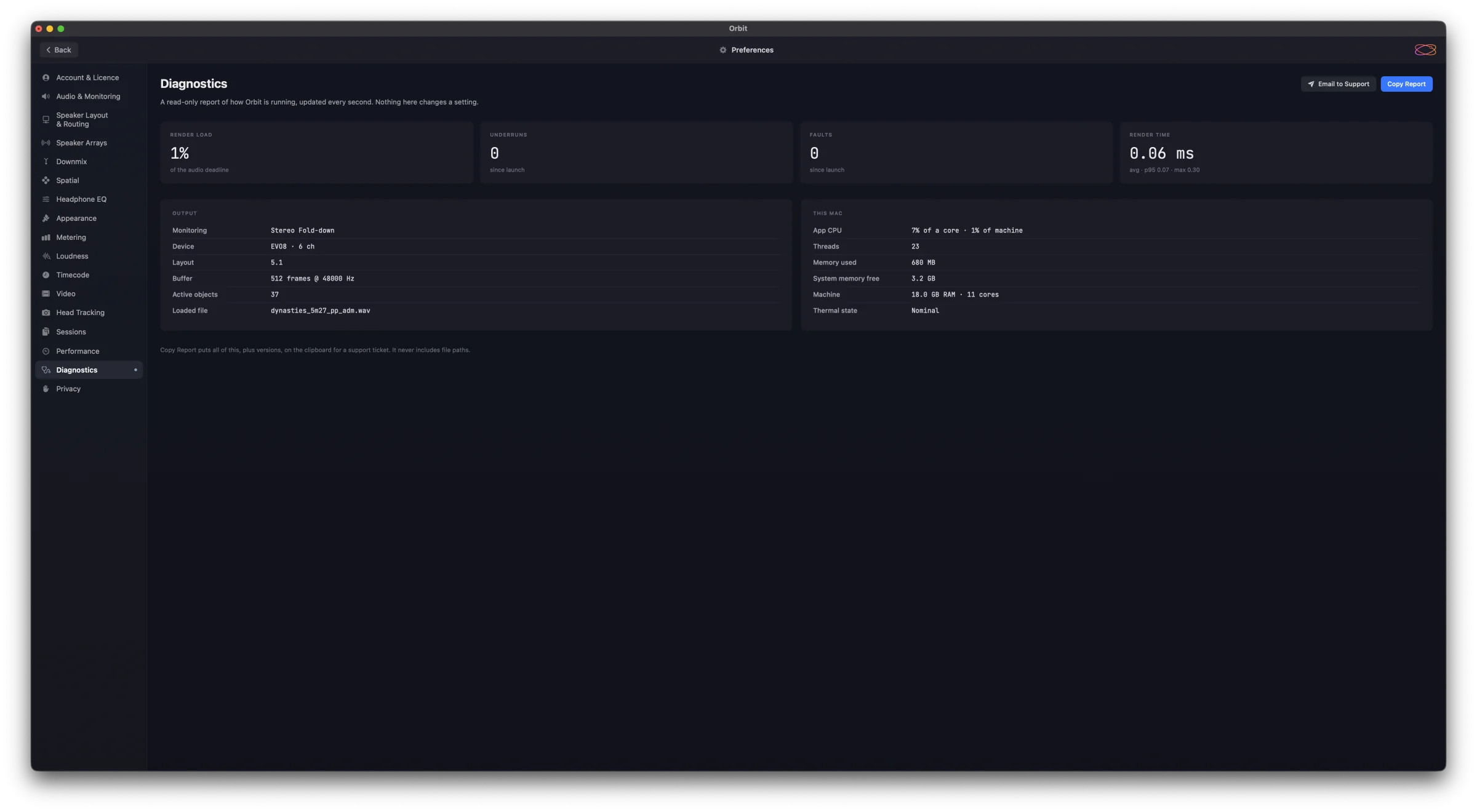
Preferences ▸ Diagnostics is a read-only report of how Orbit is running, updated every second. Nothing here changes a setting — it's what to look at when playback stutters, and what to send us when you need help.
Readouts
- Render load — how much of the audio deadline each render takes. Well under 100 % is healthy.
- Underruns — times since launch the audio device asked for samples before they were ready: the clicks and dropouts you hear.
- Faults — engine faults since launch.
- Render time — the average time to render one block, with its 95th percentile and the worst so far.
Output — the monitoring mode, output device, layout, buffer size and sample rate, how many objects are active, and the loaded file.
This Mac — Orbit's CPU use (of one core, and of the whole machine), threads, memory used, system memory free, the machine's memory and cores, and its thermal state.
Getting help
Copy Report puts all of this, plus version numbers, on the clipboard, ready to paste into a support ticket. Email to Support opens a new email to us with the report already in it. The report never includes file paths.
See also
- Performance HUD — live performance figures over the workspace.
- Performance — how hard Orbit works in the background.