
Appearance
Performance Preferences
Preferences ▸ Performance is how hard Orbit works in the background while you play — one trade-off for a Mac that's competing for resources: an older machine, a big session, or a video editor and a DAW running alongside. (Video playback and proxy quality are in Video.)
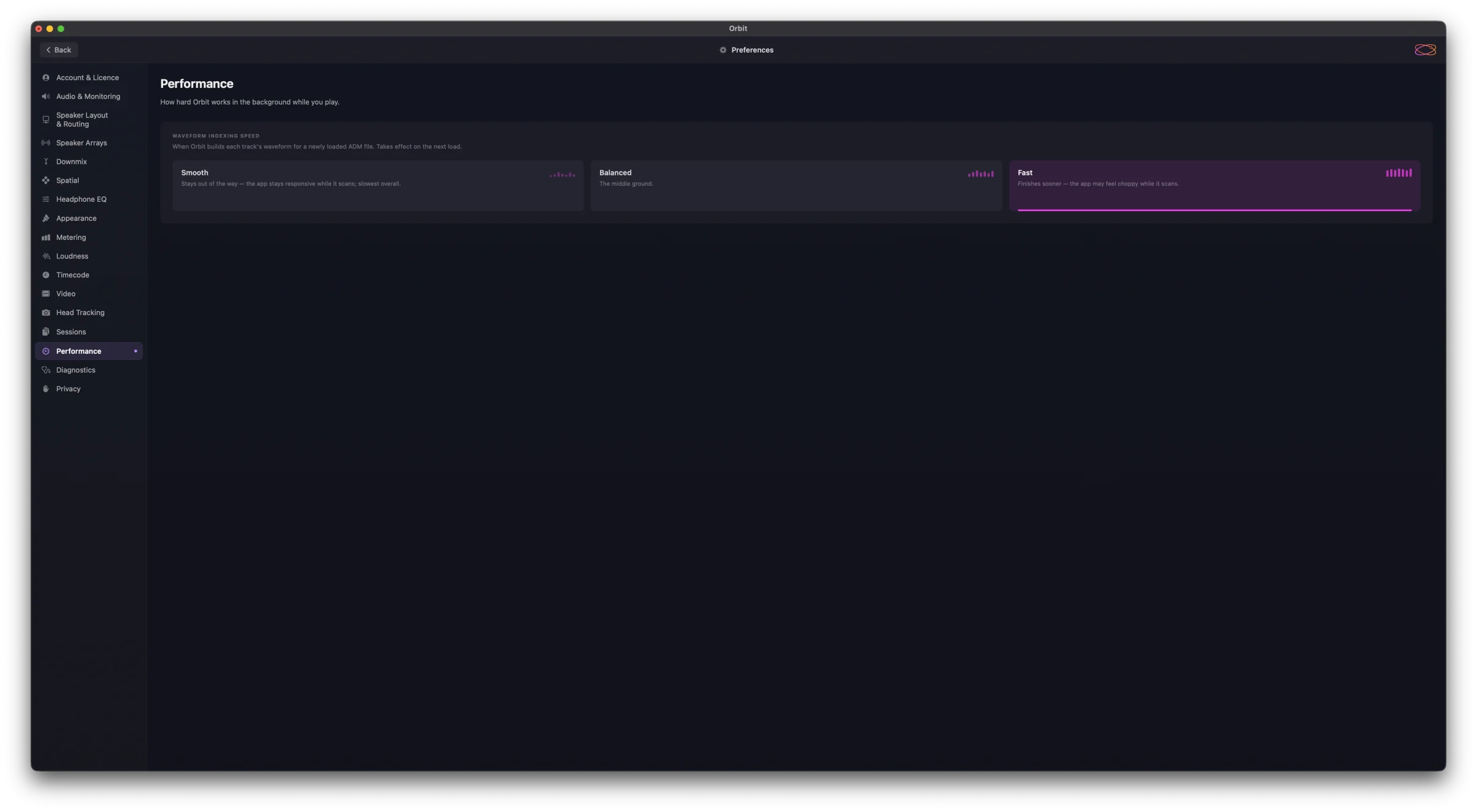
Waveform indexing speed
Three options for how aggressively Orbit builds the per-track waveforms for a freshly loaded ADM file — the setting sets the priority of that background scan.
Smooth — background priority, yielding between tracks. The slowest of the three but the most responsive: the app stays responsive while indexing runs. Default.
Balanced — middle ground. Faster scan completion, with brief moments where UI updates feel slightly less smooth.
Fast — high priority, no yielding. Completes scans noticeably quicker, but you may see brief UI hiccups during the scan, especially on slower machines.
The setting takes effect on the next load — switching mid-scan doesn't change the scan already running.